FruitConnect icon
Now available — v2.4.0

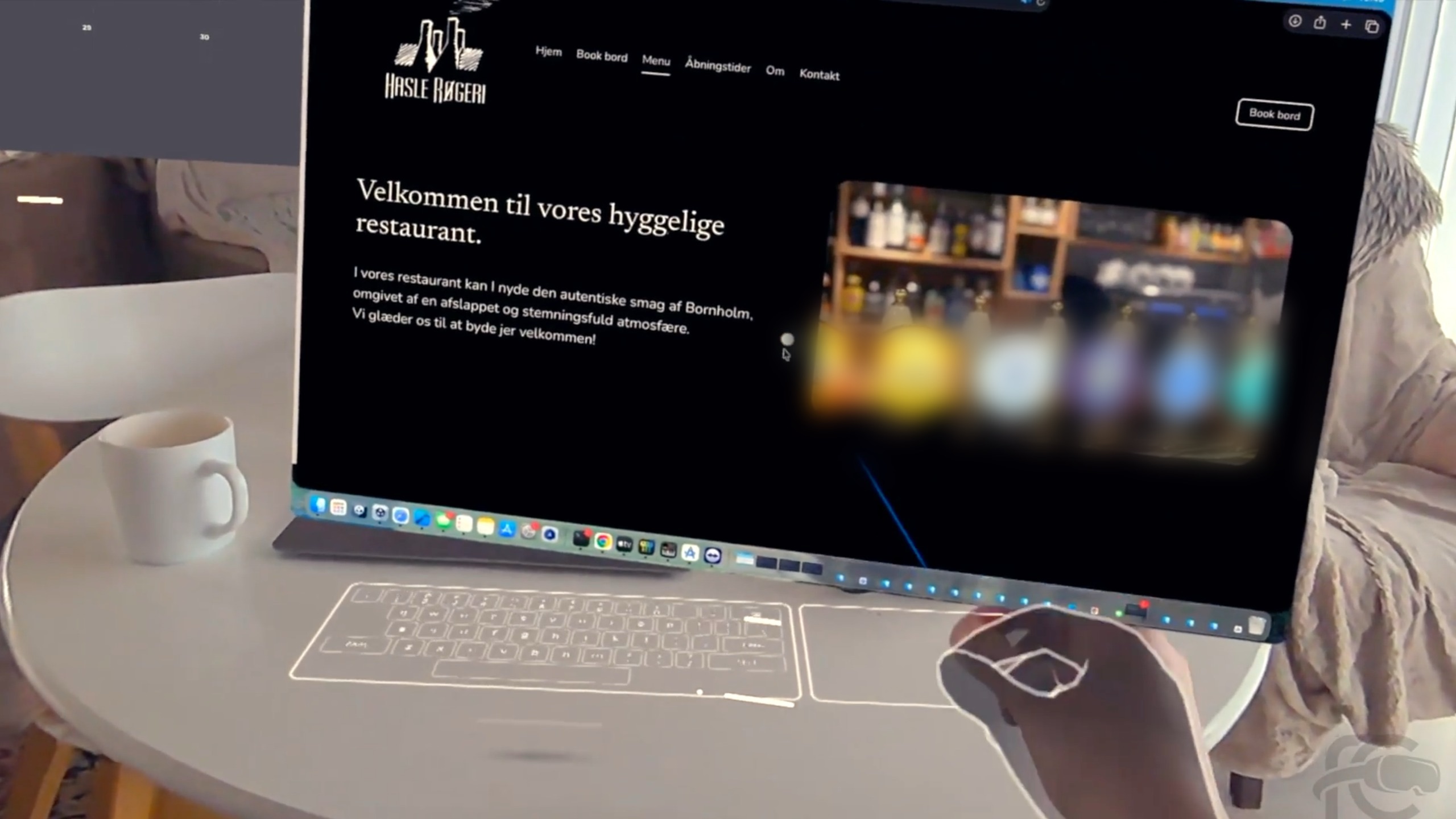
Stream your Mac
to Meta Quest.

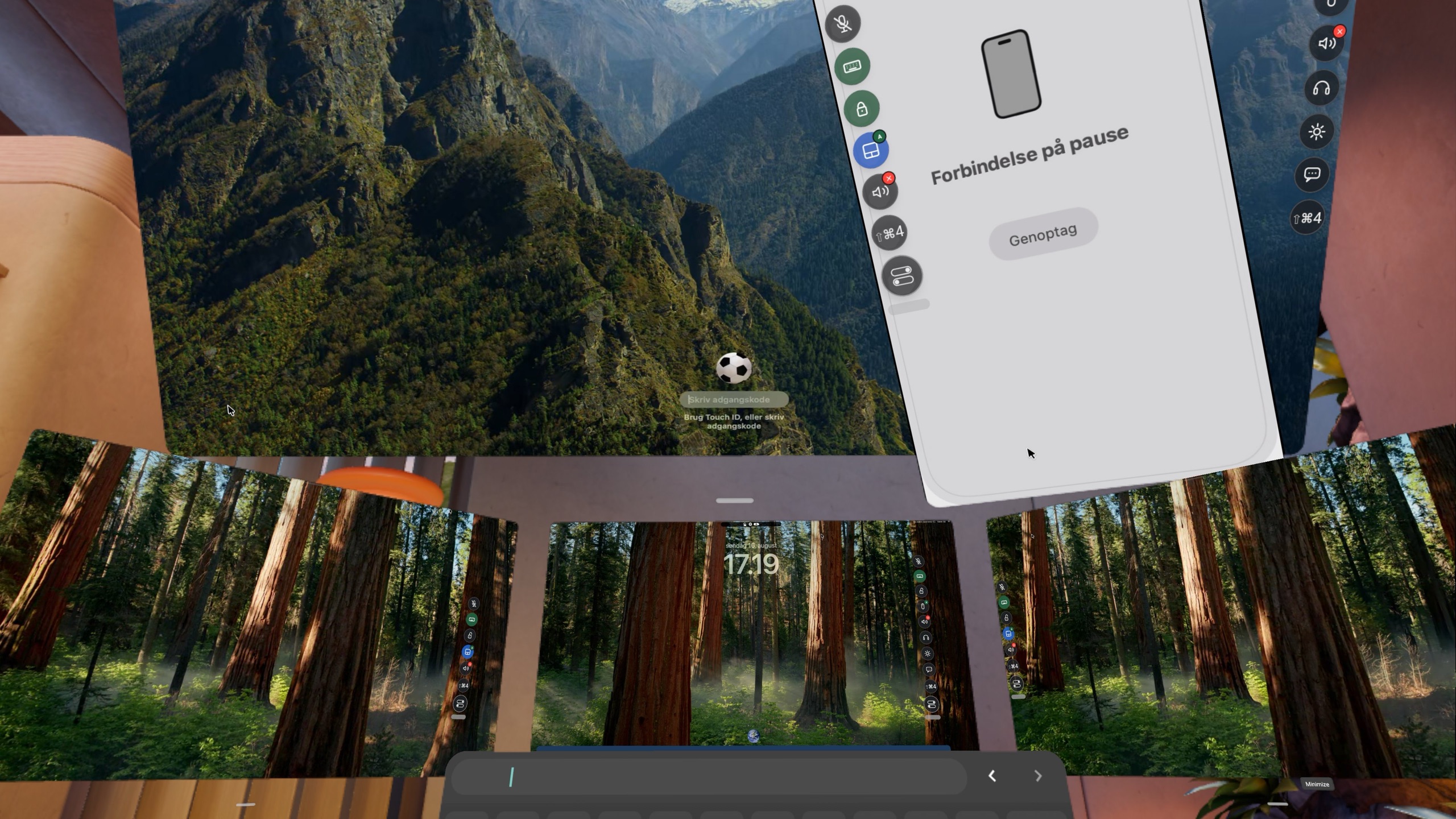
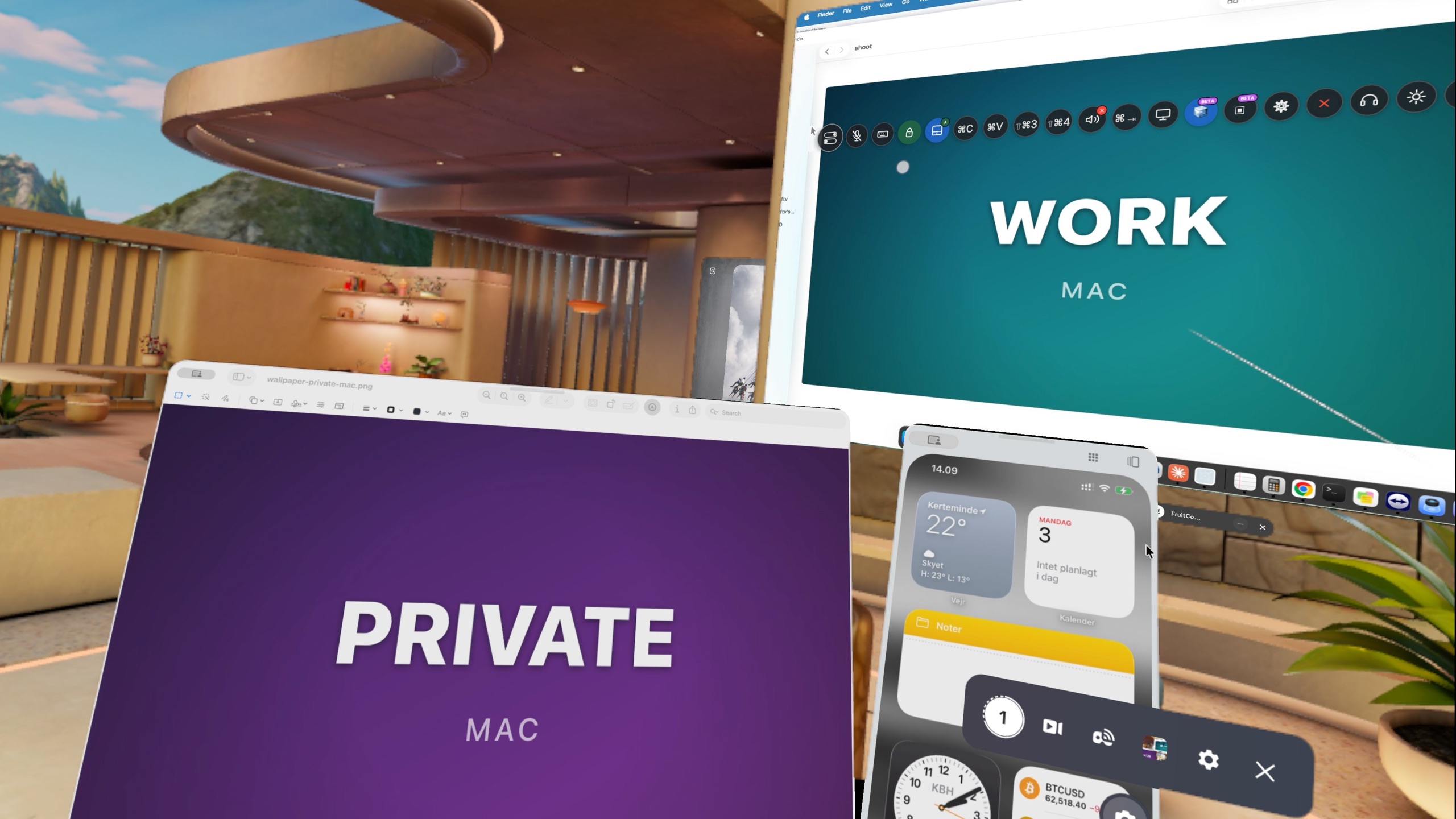
Low-latency screen mirroring built on WebRTC and hardware HEVC. From the same room or the other side of the world — peer-to-peer, no setup.

Download for macOS How it works
Universal binary · macOS 13+ · v2.4.0

Built for performance.

Native macOS engineering meets the Quest platform — designed from the silicon up.

Sub-frame latency

Hardware H.265 (HEVC) via VideoToolbox, peer-to-peer over WebRTC. The packet leaves your Mac and arrives on the headset — nothing else.

Zero configuration

Bonjour discovery handles local pairing automatically. No IP addresses, no port forwarding. Remote pairing takes seconds — scan a QR code or enter the pairing code.

Local or remote

USB and Wi-Fi at home for the lowest latency — or connect over the internet from anywhere in the world. Same app, no setup.

Full input control

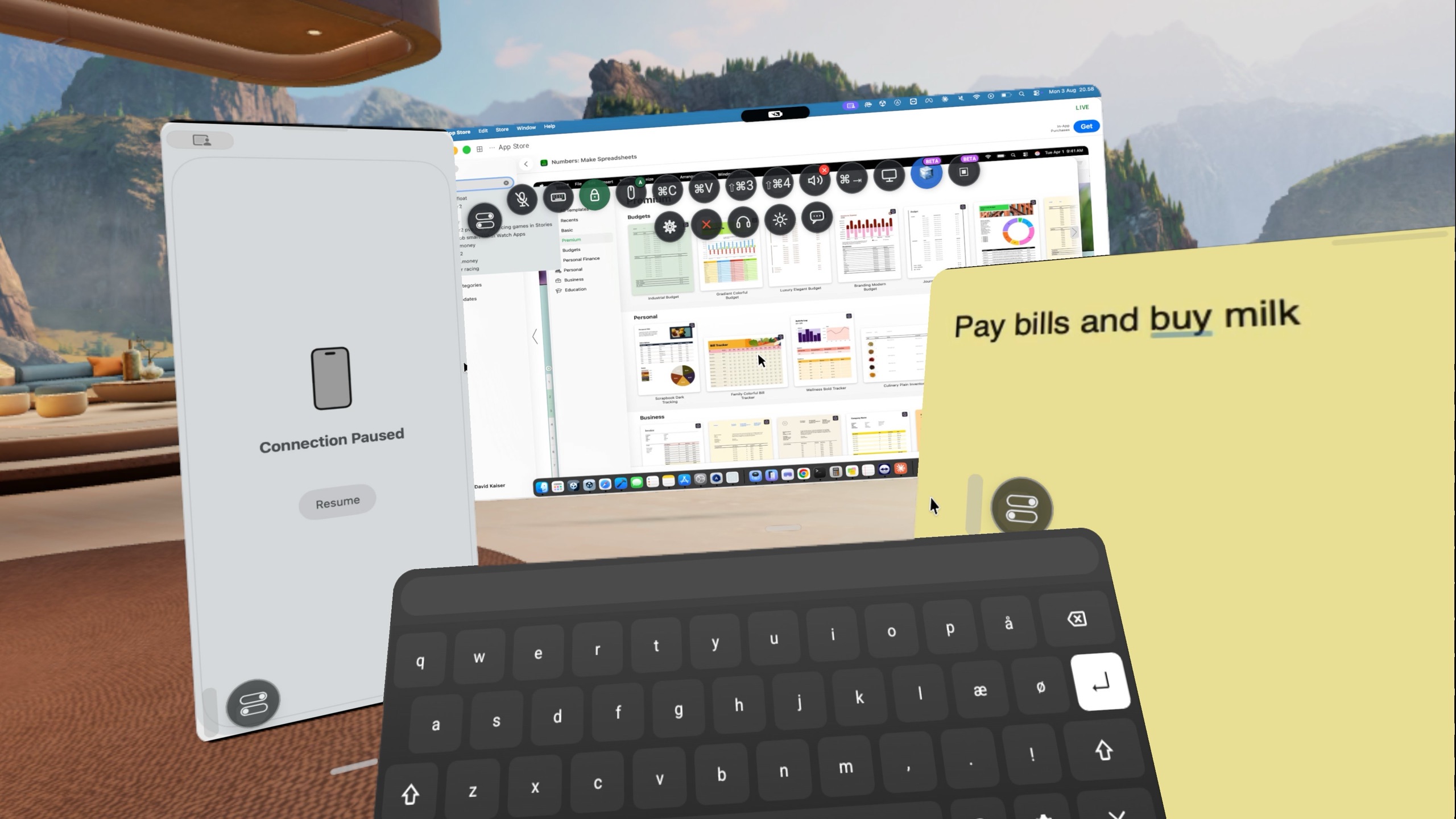
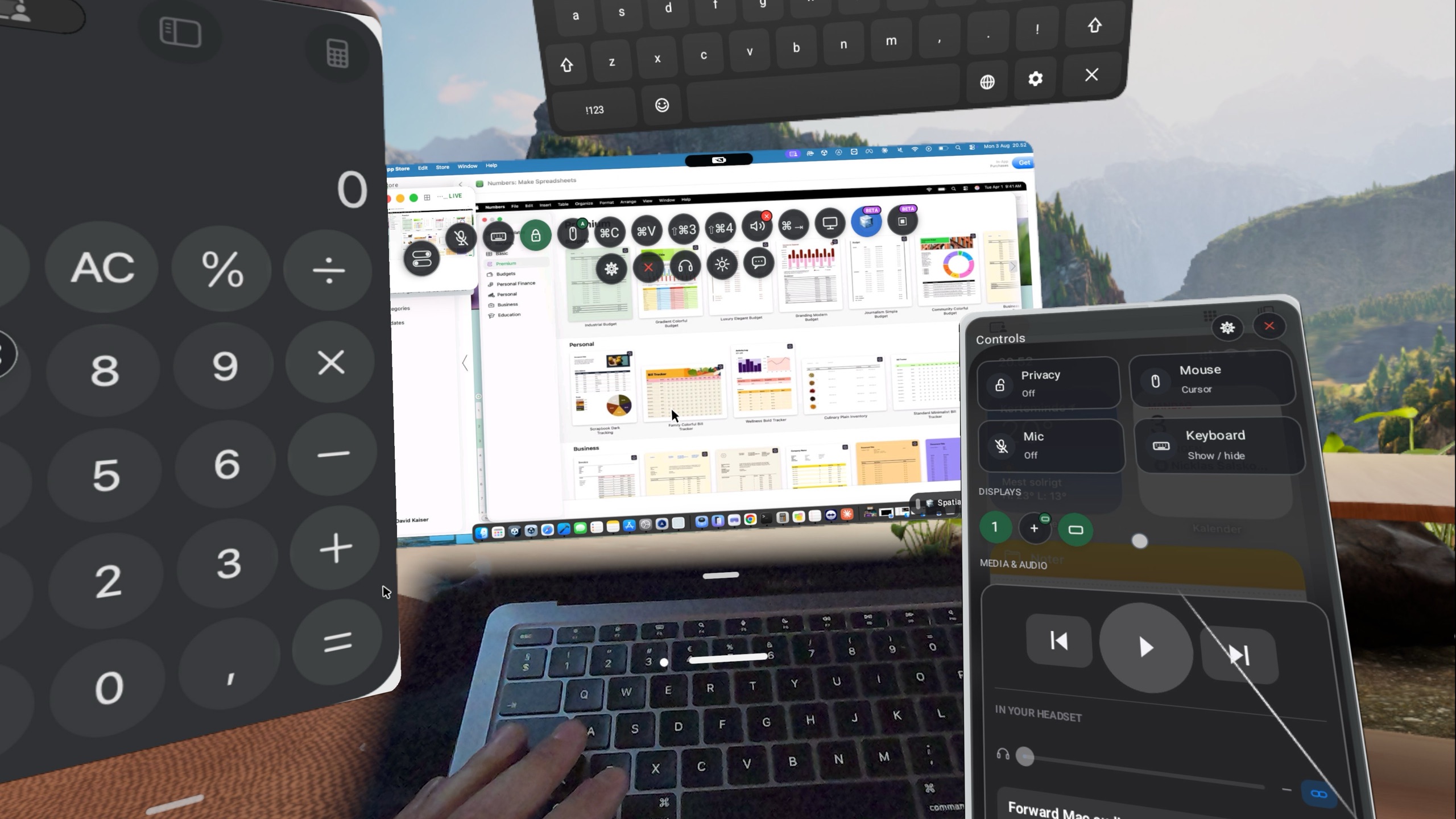
Quest controllers map to mouse with sub-pixel precision. Virtual keyboard works directly on your Mac.

One-click pairing.
End-to-end encrypted.

Your screen never touches our infrastructure. Streams flow directly between your Mac and your headset — encrypted and peer-to-peer, whether you're on the same Wi-Fi or on opposite sides of the planet.

WebRTC VideoToolbox HEVC Local & remote P2P encrypted

Up and running in four steps.

From download to streaming in about a minute.

1

Download

Open the DMG and drag FruitConnect to your Applications folder.

2

Launch

Open from Applications. FruitConnect lives quietly in your menu bar.

3

Permissions

Grant Screen Recording and Accessibility when macOS asks.

4

Connect

Install FruitConnect on your Quest from the Meta Store, open it, and connect — over Wi-Fi at home or from anywhere over the internet.

First time opening? macOS Gatekeeper will block unsigned apps by default. Right-click the app icon → Open → click Open in the dialog. You only need to do this once.

Simple, transparent pricing.

Choose the plan that fits you — from free to enterprise.

Yearly Save 32%
Free
Get started — free
Free
15 min free session
  • 15 min sessions
  • Encrypted streaming (Wi-Fi)
  • Remote connection over internet
  • Email support
Download now
Organization
Manage your team from one license
$29.99/mo
5 users incl. · +$25/mo per extra 5
  • Everything in Pro (per user)
  • Min. 3 users — scales in blocks of 5
  • Shared license management
Contact us IT & deployment guide →
Enterprise
A solution built for you
On
request
We scope it together
  • Custom feature development
  • Dedicated account contact
  • Admin onboarding
  • Custom contract & SLA
Contact us IT & deployment guide →

Let's have a chat.

Fill in the form and we'll get back to you within 24 hours.